A store can look great and still be falling apart under the hood. Slow pages, broken checkouts, lost SEO, and an angry client all come from the same root causes: poor hosting, incompatible themes, too many plugins, and missing operational processes. Below I lay out a practical, no-nonsense playbook for diagnosing, rescuing, and maintaining a WooCommerce site so it survives growth and avoids recurring crises.
Red flags that a WooCommerce store needs urgent help
Before you change code or pitch a redesign, identify the simplest signs that a site is failing:
- Too many plugins — 80 plugins is a red flag; 10–15 is a healthier target for most stores. Excess plugins mean duplicated functionality and unpatched attack vectors.
- Cheap shared hosting — servers overloaded with sites, intermittent 500/504 errors, or throttled CPU indicate the infrastructure is a bottleneck.
- Bloated theme or no child theme — thousands of lines of custom CSS living in a parent theme is a maintenance nightmare; missing child themes explain why updates break the site.
- Large media and database bloat — historic images, old post revisions, and transient data can blow storage and slow queries. If the DB is multiple gigabytes for a small site, investigate.
- Performance killers — giant hero videos, missing CDNs, and no caching strategy lead to poor mobile UX and high abandonment. Example: a 100 MB hero video on a homepage.
- SEO and migration alarms — big drops in organic traffic after a platform migration usually mean URL changes, missing redirects, or lost structured data. Monitor Search Console daily after any relaunch.
Diagnostic deep dive: the order of operations
When you inherit a struggling WooCommerce store, follow this audit flow to avoid wasted effort and finger-pointing:
1. Check plugins and versions — list active and inactive plugins, look for duplicates, unmaintained plugins, and ones with large DB tables. Remove or replace obvious bloat.
2. Review hosting — look for shared oversubscription, outdated PHP versions, or expensive special-case hosting that keeps legacy platforms alive. If the server is the problem, migrate to a managed WordPress host first.
3. Recreate the site on a safe staging environment — a copy on a controlled host lets you test fixes without risking production. Present that staging site to the client to show improvements.
4. Scan for 500-series errors and long-running queries — gateway timeouts mean something in code or the server is overloaded. Fix the root cause before cosmetic changes.
5. Audit the theme and front-end — look for inline custom CSS, missing child themes, page builders used, and unnecessary front-end assets to eliminate.
6. Check media and DB sizes — identify giant files or redundant attachments and plan an asset optimization or archival strategy.
Run an SEO crawl — map high-value pages, their keywords, and confirm 301 redirects are in place for any URL changes. Monitor the Search Console closely for 30 days after changes.

Quick wins that buy time (and goodwill)
Some fixes are straightforward and demonstrate impact fast. Use them to build trust and create breathing room for larger work:
- Move hosting first — if the current host is unstable, migrate the site to a higher-quality environment. It often reduces errors and speeds things up immediately.
Enable caching and a CDN — tools like WP Rocket combined with Cloudflare or your host’s CDN dramatically reduce load times.
- Compress or offload large media — compress big videos, use streaming services, or serve optimized versions for mobile. A 100 MB hero video becomes a few megabytes after optimization.
- Deactivate unused plugins and cleanup transients — reduce attack surface and DB overhead with a plugin cleanup and transient purge. Use WP-Optimize or similar tools to identify large tables.
- Keep the site in staging while testing — don’t flip the switch until you can show measurable improvements in the staging environment.
Real-world turnarounds: three examples
Harrison’s Bird Food
Problem: site on a VPS with frequent errors and scaling issues, lots of subscriptions, and an impatient client.
Approach: migrated the site off the problematic VPS to a managed environment, stabilized the application, and focused on incremental improvements instead of a costly full rewrite. The result was a site able to process many more orders reliably and a roadmap to a UX/UI revamp.
A hospital milk bank
Problem: a highly specialized workflow where buyers needed to upload prescriptions, register, see user-specific product selections, and book pickup time slots.
Approach: extended WooCommerce with custom registration flows, per-user product catalogs, prescription uploads, delivery radius checks using Google Maps APIs, and pickup time slots to manage refrigerator capacity. The system respected privacy concerns without necessitating full HIPAA complexity because it avoided storing sensitive medical records.
Tropic Air Rescue
Problem: memberships for emergency air rescue that require identity verification for every traveler before checkout to avoid international legal issues.
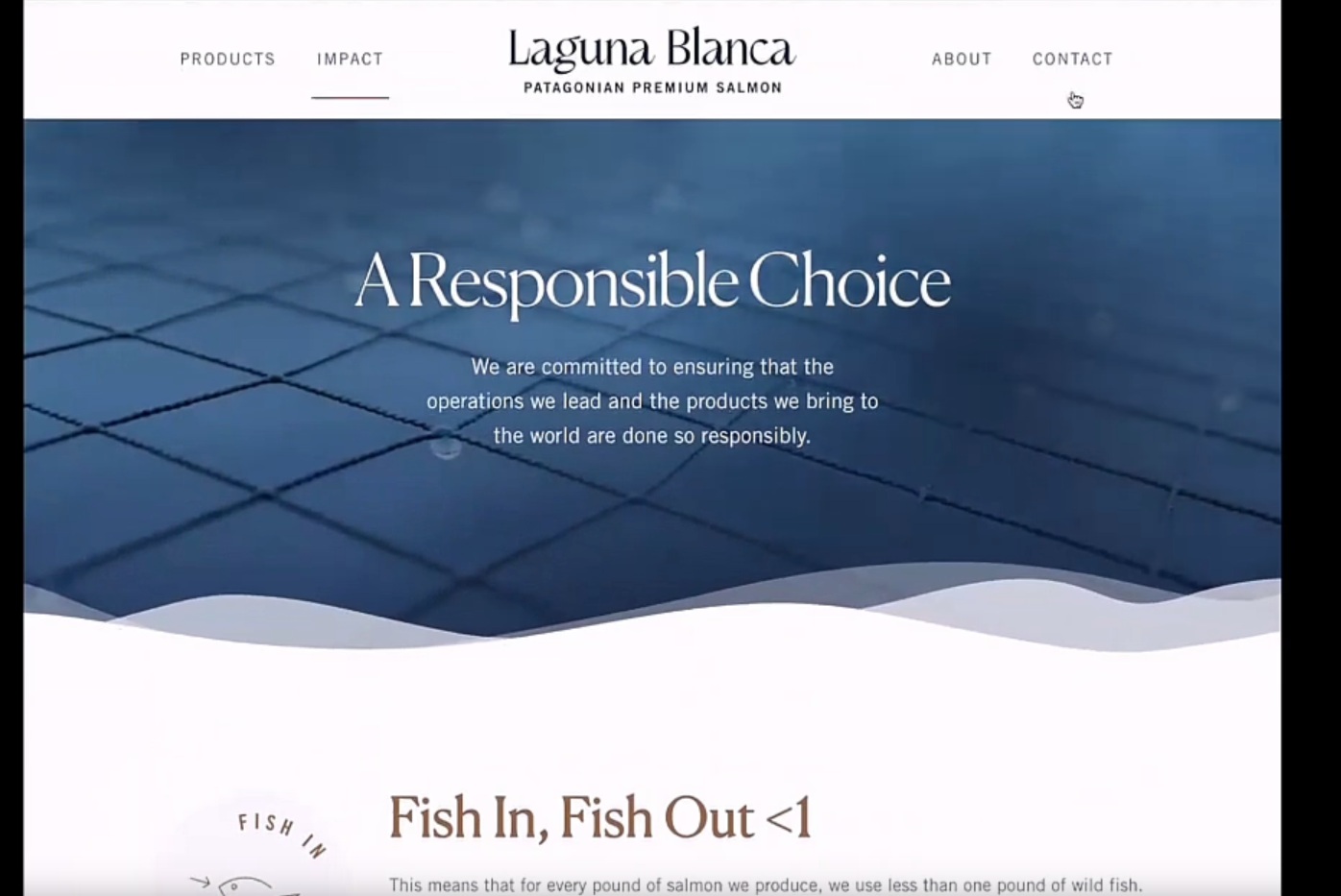
Approach: integrated an identity verification provider (Persona) into the registration and checkout flow so every passenger is verified before purchase. The workflow supports families and printable membership cards — a complex but necessary UX to safely sell the product.
Migration pitfalls and SEO rescue
Moving platforms is often where traffic disappears overnight. The common mistakes:
- Changing URL structures without 301 redirects
- Not mapping high-value pages and keywords to their new equivalents
- Failing to monitor Search Console and analytics immediately after launch
If organic traffic is critical, treat a migration like a phased rollout: use a WAF if necessary, run the old site in parallel, bring customers over in stages, and keep daily checks on Search Console for at least a month.
When to rebuild versus refactor
Rebuilds are expensive and often unnecessary. Ask these questions before recommending a full rewrite:
- Is the application stable once moved to a good host?
- Are the majority of problems presentation layer (theme/CSS) rather than data or app logic?
- Will a new theme preserve all customer data, orders, and subscriptions?
Common approach: stabilize the application first, then rebuild the visual layer. If the site has thousands of orders, subscriptions, or a complex DB, don’t flip the switch — rebuild presentation while preserving data integrity and migrate users gradually.
Maintenance plan checklist for long-term health
Rescuing a site is half the battle. Keep it healthy with a simple maintenance plan:
- Managed hosting that understands WooCommerce and offers staging, backups, and scalable resources.
- Regular plugin audits — remove deprecated or duplicate plugins and consolidate functionality into well-supported tools.
- CDN + caching — WP Rocket plus Cloudflare (or host-provided CDN) reduces load and improves global performance.
- Child themes and version control — avoid editing parent themes directly and track code changes through Git.
- Database and media hygiene — prune revisions, delete unused attachments, and archive old content when appropriate.
- SEO monitoring — keep an eye on Search Console, rankings for top pages, and 301 mappings after any change.
- Clear subscription policy — subscriptions add complexity. Make sure stakeholders understand limitations and support costs before adopting them.
Final takeaways
Fixing a failing WooCommerce site follows a predictable pattern: diagnose plugins and hosting first, migrate to a stable environment if needed, stabilize core functionality, and then optimize the front-end and SEO. Quick wins buy time. Gradual, transparent rollouts reduce risk. And ongoing maintenance prevents returning to the same emergency call.
If you inherit a messy store, be honest about what you can realistically fix and when a specialist is required. The cheapest short-term solution is rarely the best long-term strategy.
Ready to start an audit? Begin with the checklist above and move the site into a controlled staging environment so you can prove improvements before touching production.