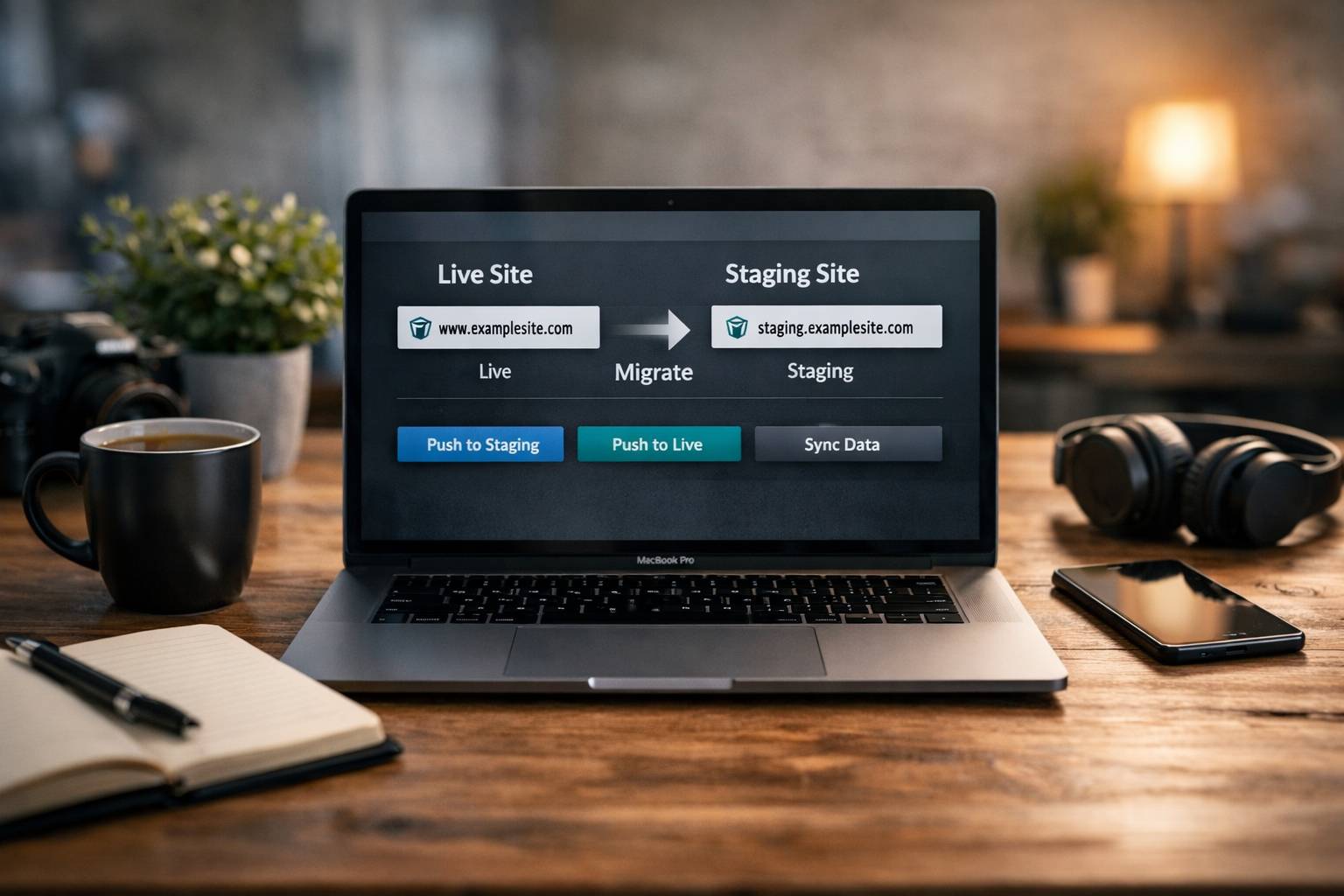
Why you should always use a staging environment
When you touch a high-traffic WordPress site—whether updating plugins, changing layouts, or migrating platforms—you need a safe place to test. Staging lets you break things, run experiments, and find root causes without impacting live customers, sales, or leads.
One concrete example: a slow view-cart page. On the live site you cannot simply disable plugins one by one because that removes functionality for real customers. In staging you can safely isolate the culprit and fix it without interrupting checkout.
Common pitfalls and how to avoid them
1. Paths: prefer relative over absolute
If staging copies contain absolute URLs, clicking around while testing can accidentally send you back to the production site. Use relative paths or a careful search-and-replace to rewrite URLs when creating or syncing a staging site.
2. Always snapshot before running big changes
Search-and-replace operations, database migrations, and large plugin updates can ruin a site if syntax or steps are wrong. Take a database snapshot and store backups for both staging and production before running any destructive tools.
3. Size and time matter
Large e-commerce sites (dozens of gigabytes, multi-gigabyte databases) can take hours to duplicate into staging. Budget the time, let clients know why it’s slower, and use hosts with faster cloning tools.
4. Publishing back to production is not always trivial
If your store processes orders every minute, a blind push from staging to production can cause lost orders and data conflicts. For static sites or informational pages a direct push is fine, but for busy e-commerce you need data-sync scripts, manual merges, or scheduled maintenance windows.
5. Subscriptions and recurring payments
Subscriptions are automations in disguise. When you test or migrate, subscriptions and emails can fire unexpectedly. Modern subscription plugins are smarter about staging environments, but it’s still risky to import active subscriptions. Options include putting the live site in maintenance mode and deploying in short sprints or using a preview/coming-soon workflow instead of importing subscriptions.
6. Emails and scheduled jobs
Automated emails, reports, daily cron jobs, and integrations can produce confusing output during staging. Disable outbound emails in staging or use a plugin that suppresses transactional messages so customers don’t get test notifications.
7. SEO traps: the do-not-index checkbox
This is the big one that bites teams. If you set staging to discourage search engines, that setting can accidentally carry over to production when pushing the site live. Always check the indexing setting after deployment. A staging site crawled by Google can create duplicate-content noise, cause the staging pages to appear in SERPs, or even outrank the live site for a while.
8. Tag and taxonomy indexing
By default, tag pages and some auto-generated taxonomies can be indexed. That looks like duplicate content to search engines. Use your SEO plugin (Yoast, All in One SEO) to block tag pages and thin archives from indexing unless they have real purpose and enough quality content behind them.
Hosting, tools, and workflows that make staging less painful
Choosing the right hosting and tools greatly reduces friction. Here’s what to prioritize:
- One-click staging: Manual duplication is tedious. Hosts that offer reliable one-click clones will save hours on every migration.
- Search-and-replace utilities: Built-in tools or vetted scripts let you rewrite URLs and connection strings. Always test on a snapshot first.
- Data sync tools: WP All Import/Export, custom scripts, or database diff utilities help merge orders, customers, and subscriptions from production to staging or vice versa.
- Email suppression plugins: Disable outbound transactional emails on staging to avoid alarming real customers.
- Maintenance/preview modes: Use coming-soon or preview-URL features to test without exposing the staging site to search engines or anonymous users.
One-click staging is non-negotiable
Duplicating file systems, databases, and updating connection strings manually is error-prone and slow. If you manage multiple sites, a host that automates cloning and push/pull workflows pays for itself quickly.
SEO and indexing: practical rules to follow
Keep SEO in mind during every stage of migration or update. Here are simple, high-impact checks:
- Block staging from search engines: Use authentication or robots instructions and verify with Search Console if needed.
- Confirm indexing settings after deployment: Check the do-not-index / discourage search engines flag as soon as the site goes live.
- Exclude tag archives and thin pages: Prevent duplicate content by marking tags or auto-generated archives as noindex unless they add real value.
- Monitor crawl and coverage: Use Search Console to control crawl rate for large sites and to identify false positives in Core Web Vitals or 404s.
Real-world recommendations from the trenches
From migrations to daily maintenance, a few practical habits reduce risk and anxiety:
- Back up constantly: Snapshots before any change, and keep several restore points. When rollback is minutes, you avoid hours of panic.
- Schedule deployments during quiet windows: For busy e-commerce stores, do pushes in low-traffic hours and inform stakeholders about brief disruptions.
- Test anonymous user flows: If your staging is password-protected, periodically test with an open preview to validate the public experience.
- Document plugin dependencies: Subscriptions and other complex plugins often require add-ons. Know which add-ons a store depends on before migrating or upgrading core systems.
- Beware of bought links and shortcuts: SEO shortcuts like purchased links or PBNs are risky. If you do outreach, contact publishers directly to avoid middleman markup.
When SEO and paid channels intersect
Search behavior and the ad landscape have changed. Many searches now return answers without a click to a website. Paid ads and platform-native features capture more eyeballs. For many brands, a balanced approach—useful content plus targeted paid campaigns—works better than a pure organic-only strategy, especially for new sites.
Final staging and migration checklist
- Create a one-click staging clone and confirm relative paths where possible.
- Take snapshots of production and staging databases before any change.
- Suppress emails and scheduled jobs in staging.
- Test subscriptions and payment flows with caution; avoid importing active subscriptions whenever possible.
- Use data-sync scripts or scheduled merges for orders and customers when pushing changes back to production.
- Verify robots and indexing settings after every deployment.
- Monitor Search Console for crawls, coverage issues, and false positives.
- Communicate maintenance windows and expected glitches to the client or stakeholders.
Wrap-up
Migrations and staging are essential for protecting live revenue and reputation, but they introduce their own risks. With the right hosting, backups, email suppression, and an SEO-aware workflow, the migration process becomes predictable and safe. Keep a checklist, automate where possible, and treat subscriptions and active data as first-class citizens during any push to production.