
Taking a website from design to production is where ideas meet reality. This guide lays out a pragmatic, no-nonsense approach to the development and launch phase: how to minimize surprises, manage scope, keep clients informed, and ensure a secure, smooth go-live.
1. Set expectations at the start of development
Begin development with a short kickoff that resets expectations. Make it clear that the rhythm changes: development is focused, less interactive, and requires fewer constant check-ins than design. That doesn’t mean you’re being ignored — it simply means code is being written.
Practical rules to communicate:
- Staging access will be limited and usually password-protected until features are nearly complete.
- Major custom functionality gets approved first (logic/workflow), then design is finalized if needed.
- Small tweaks during development cost time and money. Clarify how changes are handled.
2. Control scope creep and avoid gold plating
Two common killers of timelines and budgets are scope creep and gold plating. Scope creep happens when clients keep requesting changes that weren’t in the proposal. Gold plating is when the team builds extra features because they “look cool.” Both add cost and delay.
How to manage both:
- Spell out requirements clearly in the proposal and keep a written change-log for new requests.
- Use staged approvals: prototype or wireframe → design → development → QA → client signoff.
- If a feature is out of scope, present options: add it to a future sprint, or do a paid one-off.
3. Use a strong project manager as the anchor
A great project manager is the glue that keeps timelines, scope, and quality aligned. They solve problems, translate client needs into tasks, and protect the team from unnecessary interruptions.
Traits to look for:
- Broad understanding across UX, platforms, hosting, and integrations.
- Excellent communication and documentation skills.
- Ability to triage and escalate to the right specialist quickly.
4. Pricing models that reduce risk
Picking the right billing approach keeps projects healthy. Here are common models and when to use them:
- Fixed-price for turnkey sites: Small brochure sites or standard e-commerce stores with well-known plugins.
- Sprints / Time-boxed billing: Best for custom work or unknowns. Bill in 10-hour or 2-week sprints and demo progress frequently.
- Milestone payments: 50/25/25 or 33/33/33 depending on risk tolerance. Getting to 75% paid before final launch reduces exposure.
Sprints help clients see incremental value and prevent inflated flat-rate pricing to cover unknowns.
5. QA workflow: developer → designer → PM → client
Quality assurance should be structured, not ad-hoc. A reliable flow reduces rework and late surprises:
- Developer finishes the feature and runs unit tests.
- Developer self-QC and documents fixes.
- Designer or UX reviewer checks pixel-perfect details (fonts, spacing, responsiveness).
- Project manager verifies acceptance criteria and prepares the demo for client review.
- Client tests in a controlled, password-protected staging environment and provides consolidated feedback.
Bring dedicated QA or fresh creative eyes in—those perspectives catch issues developers often miss.
6. Documentation and code notes are non-negotiable
Deliver clear documentation for anything custom. Good docs save hours of guessing when maintenance, handoffs, or audits happen later.
Include:
- How key workflows work and where custom code lives.
- API integrations and expected responses.
- Deployment instructions and roll-back steps.
- Code comments for complex modules.
7. Prepare a rigorous go-live checklist
Going live is about more than moving files. A proper launch checklist protects traffic, tracking, and security. Make the checklist visible, shared, and signed-off.
Essential go-live items:
- Confirm DNS and hosting changes, plan for minimal downtime.
- Verify robots.txt and noindex are removed on the production site.
- Check 301 redirects for high-traffic and high-value pages to preserve SEO.
- Validate analytics and tracking (Google Analytics, server-side GTM, Facebook, TikTok). Ensure scripts fire across purchase funnels.
- Test the entire purchase flow from homepage to thank-you page for e-commerce.
- Harden security: strong passwords, 2FA, plugin updates, and server hardening.
8. Soft launches and staged rollouts
For new applications or major re-architectures, soft launches are lifesavers. Put the new system on a subdomain or feature flag. Invite a small set of users to exercise the product and provide structured feedback.
Soft launch steps:
- Open the site to a test group via a subdomain or hidden URL.
- Run realistic transactions or workflows and collect session feedback and survey responses.
- Iterate quickly based on findings, then expand the audience before a full launch.
9. Post-launch: conversion optimization and monitoring
Launch is not the finish line. Use the first weeks and months to learn and optimize. Consider A/B tests that refine creative, checkout flows, and CTAs for real user segments.
Ongoing activities:
- Conversion rate optimization and AB testing.
- Monitor server logs, error tracking, and user feedback channels.
- Analyze analytics to find high-performing pages that may need preservation or promotion.
10. Maintenance, security, and long-term stewardship
Support plans are what keep sites healthy and also create recurring revenue for teams. Maintenance should include updates, security scanning, backups, and a clear escalation path for incidents.
Maintenance tiers to offer:
- Basic: weekly backups, monthly plugin and theme updates, security scans.
- Standard: staging environment testing before updates, performance monitoring, monthly reports.
- Enterprise: Git-based workflows, staged pushes, change logs for every deploy, and priority support.
11. Tools and workflows that smooth the process
A few practical tools and workflows make life easier:
- Staging sites and password protection to control who sees work-in-progress.
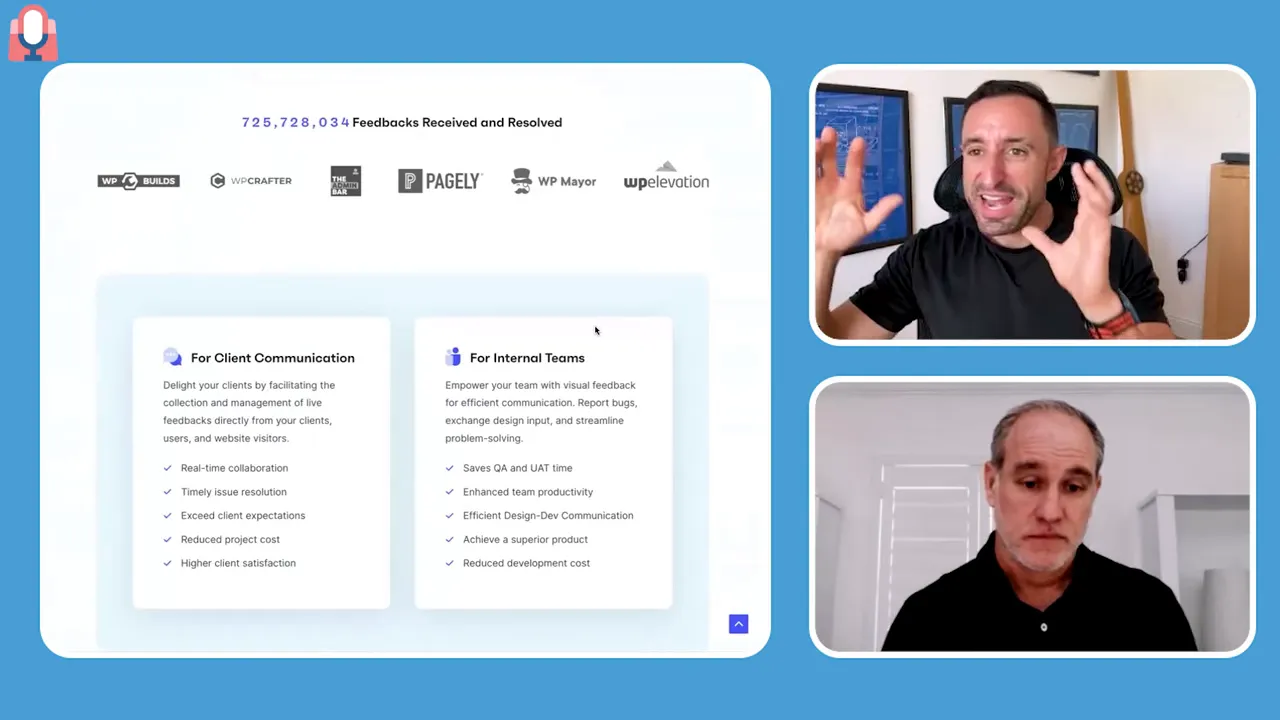
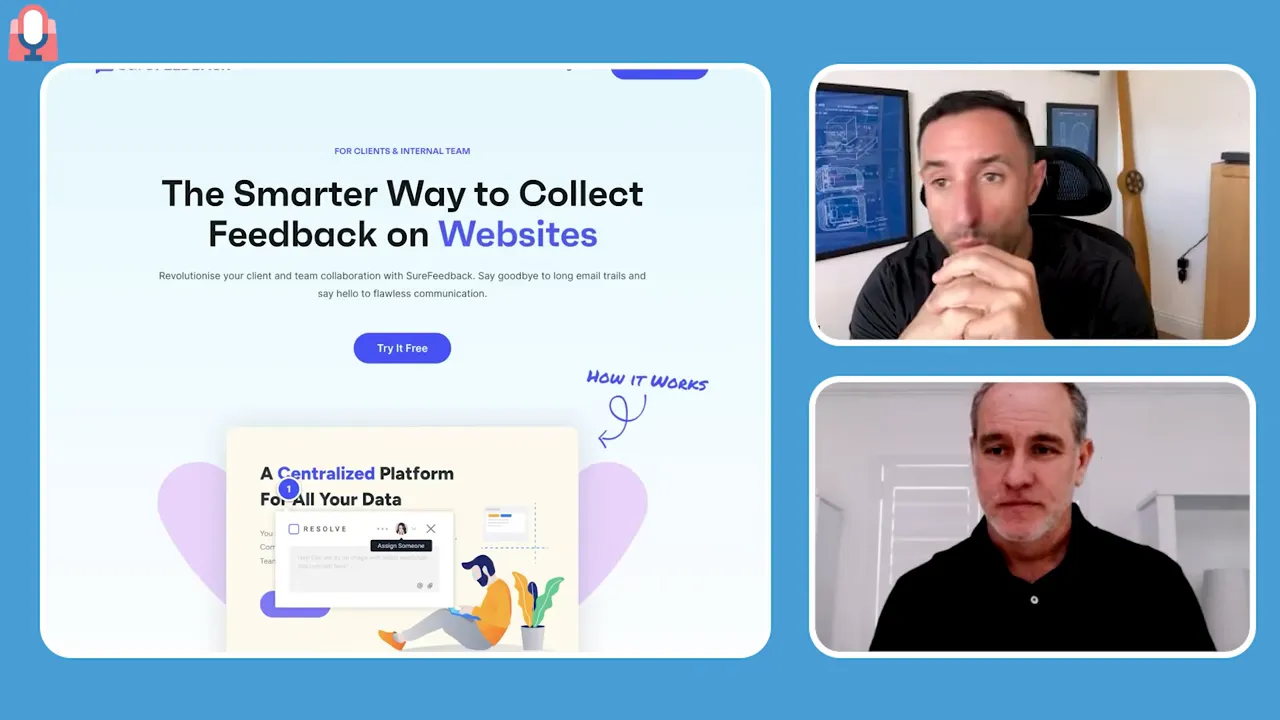
- Ticketing and annotated feedback tools to capture comments directly on the page.
- Version control and Git for coordinated team work and safe rollbacks.
- Recorded kickoff and approval meetings to avoid disputes and clearly document decisions.
Final mindset
Successful development and launch is a mix of clear boundaries, regular communication, sensible billing, and diligent QA. Keep the client informed, protect your team from scope drift, document everything, and invest in post-launch care. When you get those pieces right, builds finish on time, launches are clean, and long-term partnerships are possible.
Key takeaway: build deliberately, test thoroughly, and plan for life after launch. That approach turns launches into long-term success stories.