Design is where concepts leave the whiteboard and become something tangible. It is the moment a client expects to see an asset that represents months of discovery, strategy, and promises. Get this phase right and the rest of the project hums. Get it wrong and a 30 to 40 hour flat-fee design estimate can balloon into 80 hours of rework and client frustration.
Why the design phase matters
The design phase is more than pretty pixels. It sets expectations, defines the user journey, and informs engineering. When you hand over a clear design — wireframes, mockups, and prototypes — development becomes a translation exercise instead of an improvisation. That leads to fewer surprises, faster builds, and a better relationship with the client.
Start with structure: sitemap, mind map, and wireframes
Before you choose fonts or hero images, map the product. A sitemap or mind map defines pages, workflow, and the decisions users must take. From that foundation, wireframes carve out the experience.
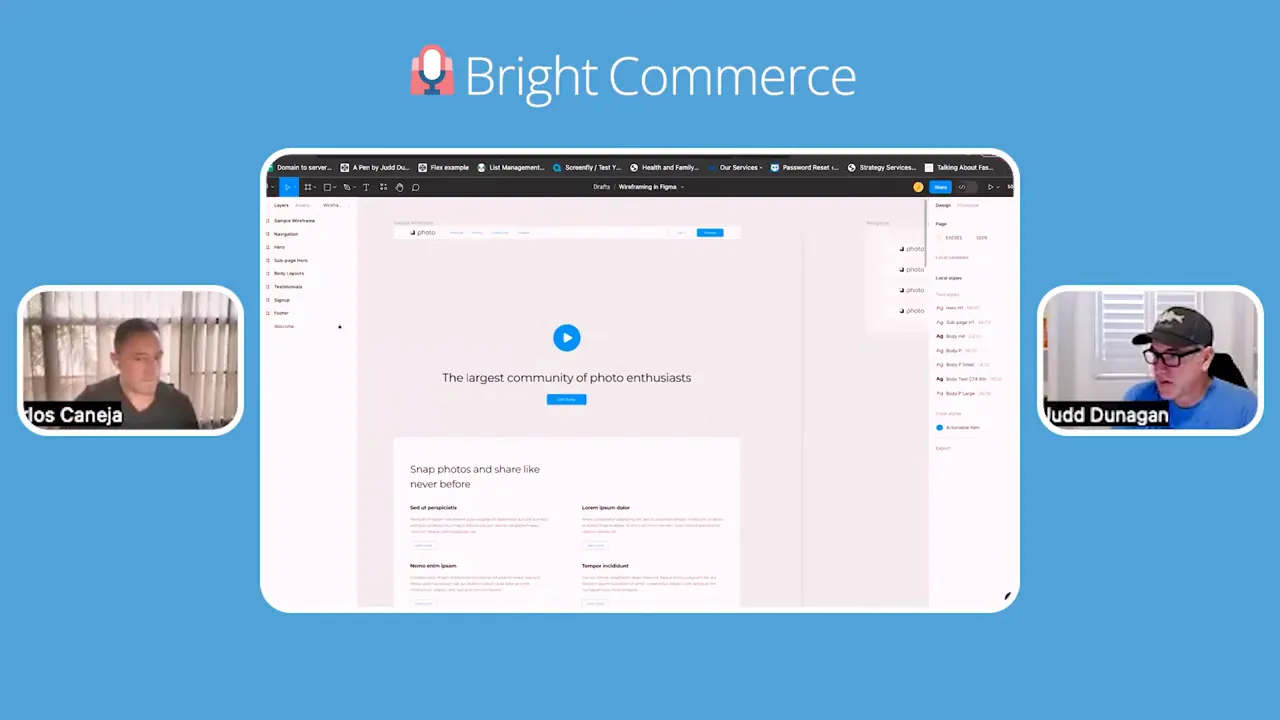
Wireframes are not final design. They are the sculpted clay model that shows how the site will feel and function. Keep wireframes lo-fi while stakeholders refine the flow — iterating here is far cheaper than changing finished designs.
Deliverables to provide at this stage
- Sitemap or mind map outlining pages and flows
- Wireframes for key pages (homepage, product pages, checkout, dashboard)
- Basic content placeholders so stakeholders can picture copy and visuals
Content vs design: which comes first?
There is no single right answer. If the client has quality copy and collateral, build the design around it. If they don’t, provide templated content areas so they can fill in the blanks. Many teams combine both approaches: wireframe with placeholder copy, then refine once final content arrives.
Practical tip: If copy is a pain point for the client, offer copywriting as an add-on. It is a quick win for client satisfaction and an additional revenue stream. AI tools and grammar assistants can speed the process and lift quality, but clear brand tone and voice still need human direction.
Personas, customer journeys, and brand guidelines
Knowing who you are designing for changes everything. Buyer personas and journey maps help prioritize content and layout. A good rule of thumb: give users three ways to reach key actions on the homepage to cover different decision styles — impulsive clickers, visual browsers, and information seekers.
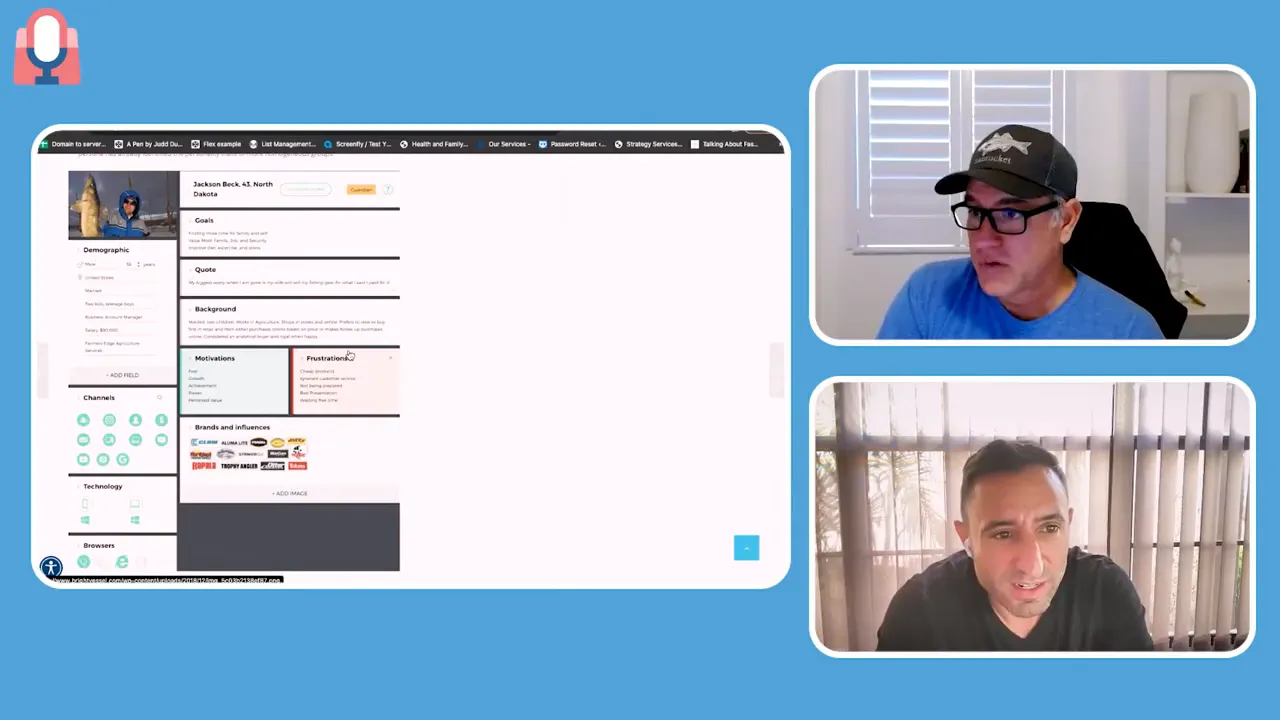
Brand guidelines are the north star. Without them, creative reviews can become endless. Include color palettes, typography rules, imagery style, and tone. When a client is serious about growth, invest time in brand guidelines early — otherwise you will redo the same decisions later.
Logo and brand pricing reality
Simple looking logos are deceptively hard to produce. Expect to spend real design time when brands undergo committee review and multiple iterations. Typical pricing for a thoughtful logo and brand guideline package will reflect that effort.

User flows and e-commerce considerations
Design is not just pages — it is paths. Spell out the primary use cases early: booking a call, making a purchase, subscribing, or general lead capture. For e-commerce, design the entire checkout funnel from homepage to cart to checkout and confirmation.
Checkout and subscriptions are tricky. Integrations for AB testing, subscriptions, and tokenization often reveal edge cases. If you see recurring billing or complex subscription rules, call out the risk and scope creep up front. These areas benefit from extra wireframing and technical review.

Designing responsively and the role of Figma
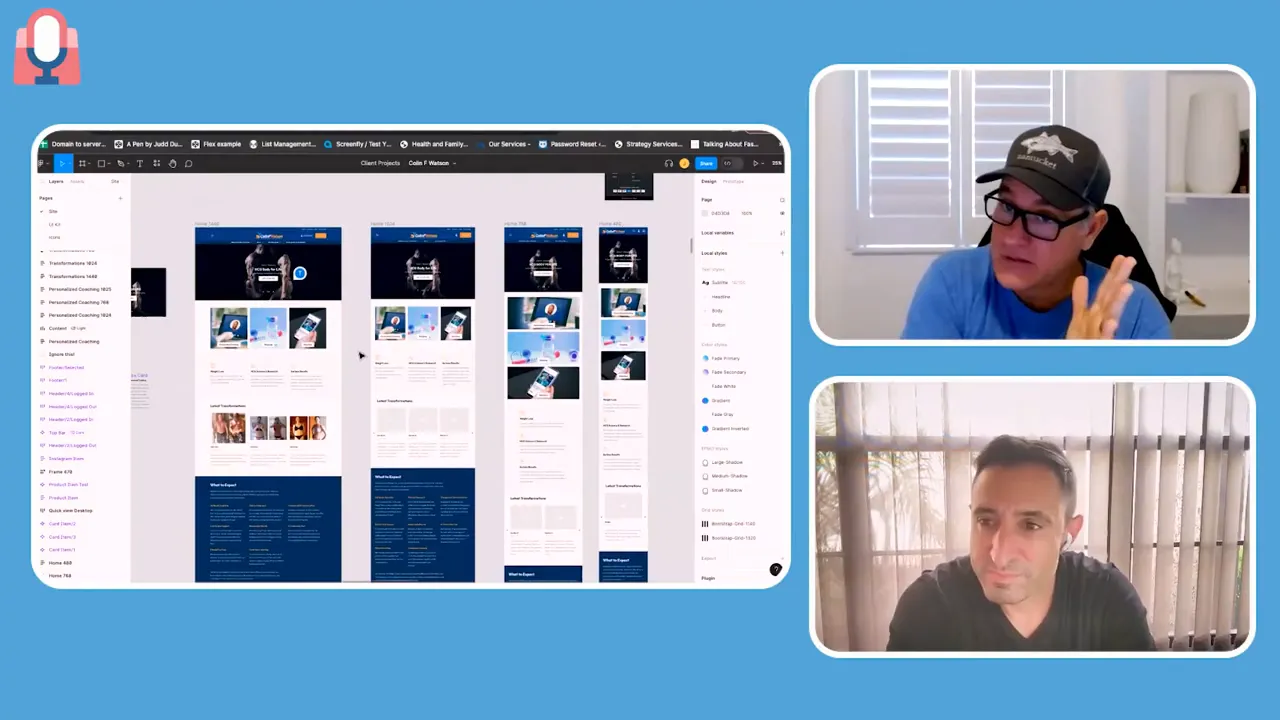
Design in multiple breakpoints. Deliver desktop, tablet, and mobile layouts so developers have exact visual requirements and QA can verify fidelity. Tools like Figma make it easy to create consistent systems and hand off assets to development.
From mockups to prototype
Start the full visual design with the homepage and a framework: header, footer, color system, and primary components. If the client signs off on that look and feel, scale the design across subpages.
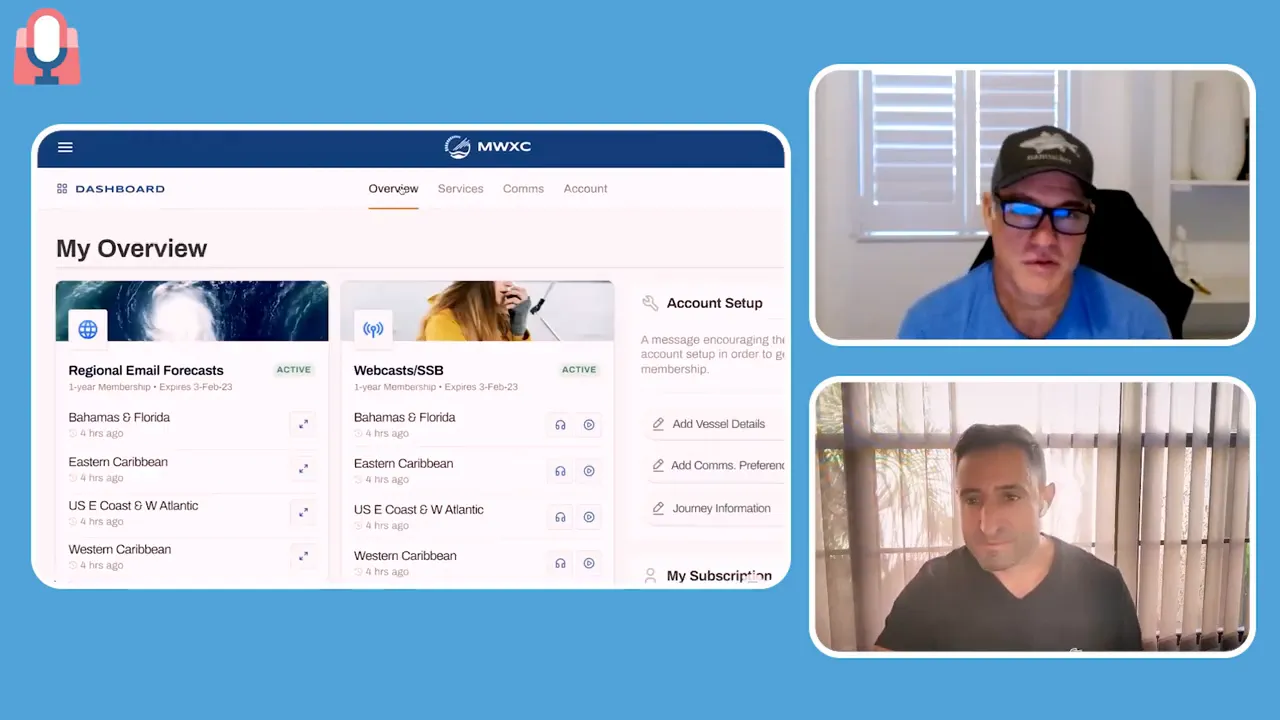
For complex apps or dashboards, build an interactive prototype that demonstrates key flows and backend interactions. A working prototype reduces late-stage surprises and speeds approval.
Handing designs off to development
Before development begins, align designers, developers, and the project manager on the technical architecture and tech stack. If you skip this, you risk building a design that requires an unexpected platform or database to function.
Recommended pre-development steps
- Finalize layout, look, and feel with stakeholder sign-off
- Confirm tech stack and any third-party integrations
- Run an architectural walkthrough with designer and developer present
- Create a scope and change control process to manage new requests
Managing scope creep and the project manager’s role
Creativity breeds new ideas. That is good, but it can blow budgets. A strong project manager protects the timeline and budget while still helping clients add value. They must be a diplomat and a salesperson, able to say yes or recommend additional scope and cost for new requests.
Set expectations clearly. If something is outside the agreed scope, document the change and the cost before work begins. If conversations drift into features that were not scoped, be prepared to re-scope and present options.
Design checklist before development
- Signed approval of homepage and framework
- Complete responsive mockups (desktop, tablet, mobile)
- Interactive prototype for complex flows
- Brand guidelines and copy tone finalized
- Third-party integrations and technical requirements listed
- Project plan and acceptance criteria defined for QA
Final thoughts
Design is the bridge between strategy and delivery. Treat it like a process, not a single creative sprint. Wireframes, personas, brand guidelines, and prototypes are not optional steps — they are the tools that keep projects on time and on budget. When design work is clear and signed off, development becomes a predictable, estimable effort.

The goal is to finalize the look and feel so development can focus on execution, not interpretation.
Next up: how designs get built. The next phase covers development practices, risk management, testing, and going live. If you prepare thoroughly during design, that next phase becomes far less risky.