

A website everyone can use.
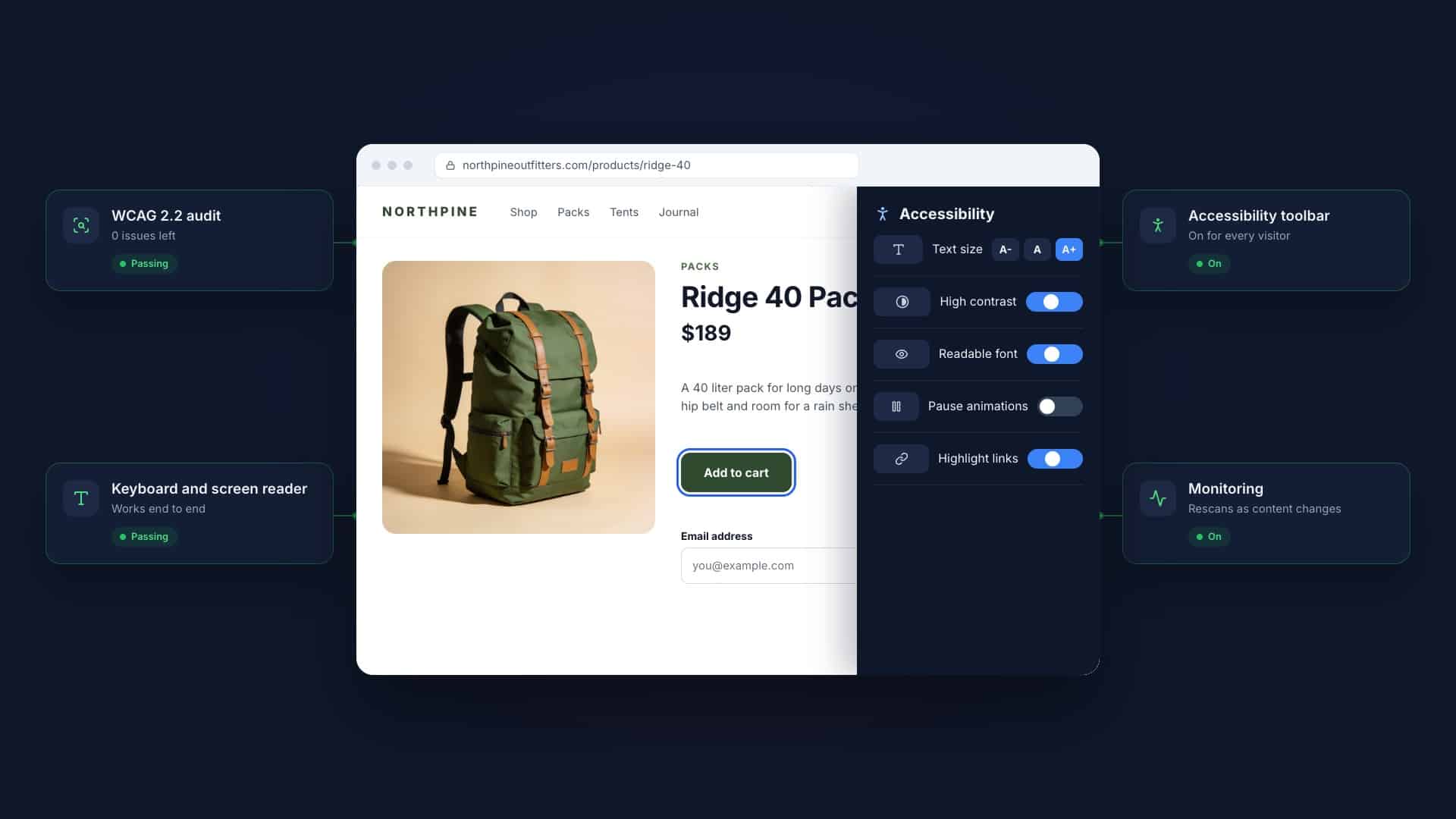
We find and fix accessibility barriers in your code, add a toolbar so visitors can adjust your site to their needs, and keep checking as your site changes.
Accessibility lawsuits are on the rise.
And a plugin alone isn’t enough. Real accessibility starts in the code, so that’s where we start too.
Website accessibility lawsuits filed in federal court, up 27% from 2024.
Only New York saw more website accessibility lawsuits in 2025.
Websites with an accessibility widget installed were still named in lawsuits in 2025.
Sources: Seyfarth Shaw (2026); EcomBack 2025 annual report; UsableNet 2025 year-end report.
Accessibility, done the right way.
We combine real fixes in your code with tools that help every visitor, then keep watching as your site changes.
Audit
We check your site against WCAG 2.2 guidelines, including keyboard and screen reader use.
Fix
We fix issues in the code itself: color contrast, alt text, form labels, headings, and focus states.
Assist
accessiBe’s toolbar lets visitors adjust text size, contrast, spacing, and more, and adds an accessibility statement.
Monitor
Your site is rescanned as content changes, so new issues get caught and fixed.
Is this page accessible? Find out free in 10 seconds.
Enter any page on your site. We'll check it against common WCAG 2.2 problems, like missing alt text, unlabeled forms and zoom blocking, then tell you exactly what to fix.
- Images and linksAlt text, and links and buttons screen readers can name.
- FormsEvery field has a real label, not just placeholder text.
- StructurePage language, title, headings in order and a main region.
- Keyboard and zoomSkip links, focus order, and whether visitors can zoom.
Loading your page
Results for
- Problem types
- Problem elements
- Page language
- Accessibility widget
What we found on this page
| Problem | Count |
|---|
Get the full report
Every problem with examples from your page and exactly how to fix each one. Free, in your inbox in a minute.
Sent. Check your inbox for the full report.
This quick check reads one page's code. Automated checks catch only part of WCAG: color contrast, keyboard navigation and screen reader testing need a manual audit. Not legal advice.
Two ways to start.
Most sites need both: the toolbar for visitors today, and code fixes for lasting accessibility.
Accessibility toolbar
- accessiBe accessWidget installed and configured
- An accessibility statement for your site
- Daily automated scans
- Visitor controls for text, contrast, and motion
Audit and code fixes
For businesses that want their site checked and fixed to WCAG 2.2 AA.
- WCAG 2.2 review of key pages and templates
- Fixes made in your site’s code
- Keyboard and screen reader testing
- A summary of everything we fixed
See accessiBe’s current plans at accessibe.com. No tool or service can guarantee legal compliance. Our goal is a genuinely accessible website and a documented, good-faith effort.
Why britecode
Strategists, designers, developers, and marketers on one team
We help businesses launch, scale, and optimize their digital presence. Every project combines thoughtful strategy, modern technology, and measurable business outcomes.
Business first
We align strategy, design, and technology to solve real business problems and drive measurable growth.
One expert team
Everything you need under one roof, from strategy and UX to development and marketing.
Built for growth
Fast, scalable solutions built to grow with your business, not hold it back.
Questions, answered.
Will the accessiBe toolbar make my site ADA compliant on its own?
No tool can do that by itself, which is why we don’t stop at the toolbar. We fix accessibility issues in your site’s code and use the toolbar as an extra layer for visitors.
What standard do you follow?
We work to WCAG 2.2 Level AA, the widely recognized standard for website accessibility.
What if I receive a demand letter?
Talk to your attorney first, then let us know. We can review the issues raised and fix them quickly.
Do you build new sites to be accessible?
Yes. Every website we build follows accessibility best practices from the start, including color contrast, keyboard navigation, screen reader labels, and accessible forms.
Open your doors to everyone.
Start with a free consultation and we’ll show you where your site stands today.


